An AI-powered virtual try-on solution built specifically for fashion e-commerce. Simply upload your product image, and instantly generate realistic on-model visuals across multiple body types—accurately reflecting fit, drape, and fabric texture.
or drag and drop an image here
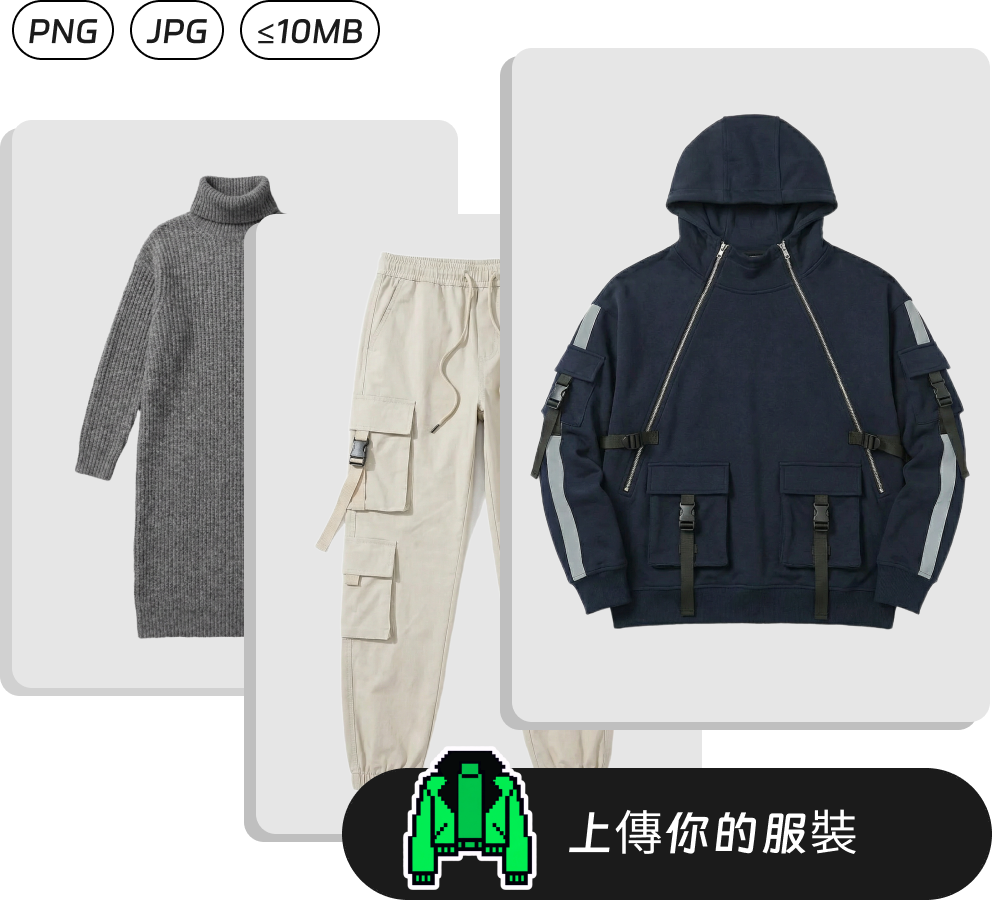
No image? Try these
Zero photoshoot cost—just one photo to effortlessly show clothes on a model
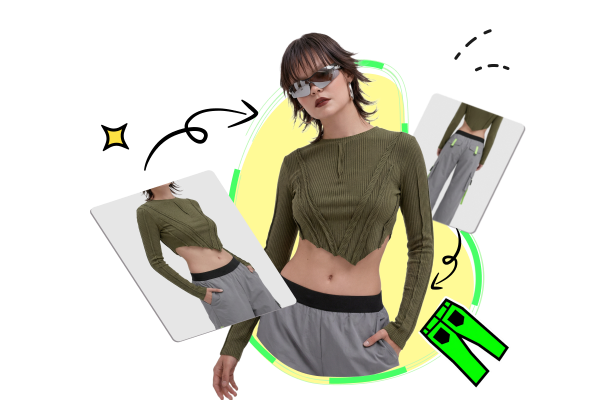
With our AI garment try-on tool, flat clothing images are instantly transformed into realistic on-model visuals. Whether it’s tops, dresses, jackets, or full outfits, high-quality try-on results are generated effortlessly.
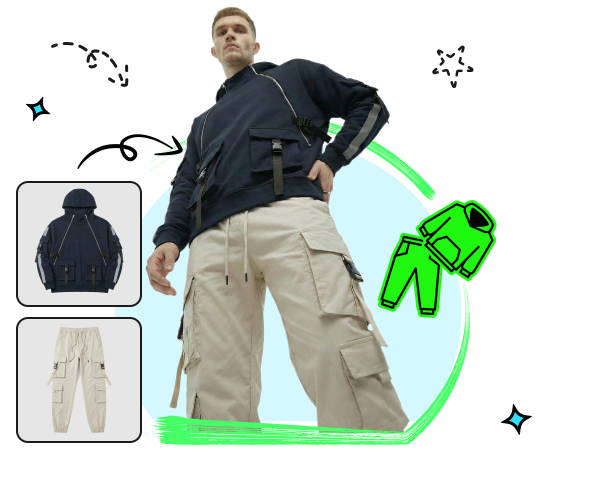
Supports free combination of multiple items—select your outfit and generate a complete look with one click. The system automatically layers the garments cohesively onto a single virtual model, eliminating the need for manual compositing or design, and instantly creates compelling, scene-ready product displays.
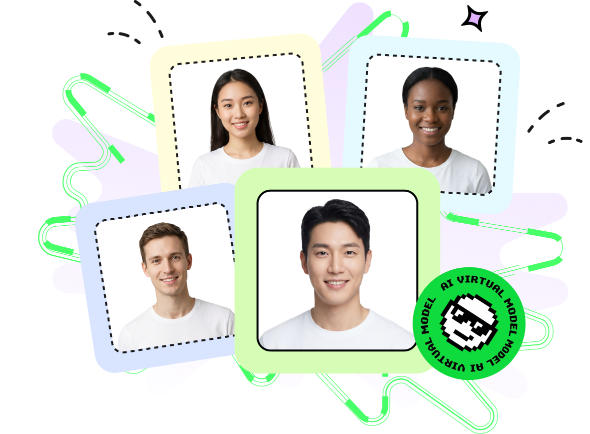
The same garment can be instantly showcased on AI models of different body types, genders, skin tones, or styles. With a single click, switch the model’s physique or aesthetic to flexibly meet diverse presentation needs—enhancing richness and appeal on product pages.
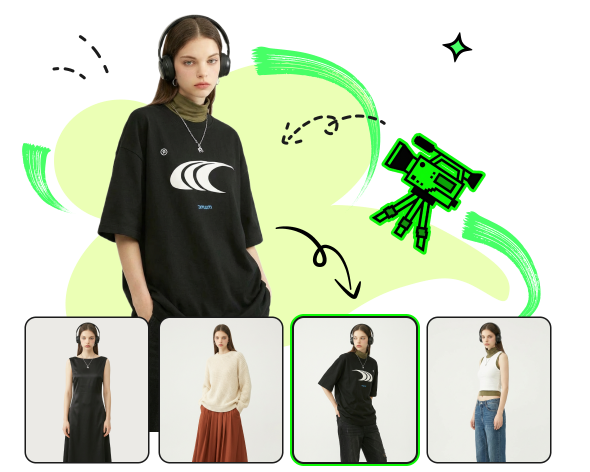
No need for real models, studio rentals, or time-consuming retouching—just upload a flat-lay product image to instantly generate high-quality on-model visuals. Slash photoshoot costs and dramatically speed up new product launches and content updates.
In the vooka platform, you can generate virtual try-on effect images with just three simple steps.

Upload a clear clothing photo and select the type or choose from our example library to start your AI virtual clothing try-on experience.

You can choose a suitable model from our rich AI model library to get the most realistic clothing try-on effect display.

It only takes a few seconds to generate an AI model try-on effect image. You can download the generated image and use it on your product detail page, social media, or ad placement.

Nina Patel
Multi-channel e-commerce operations lead
It generates great results for everything from knitwear to denim jackets, with automatic image size adaptation for Shopify and TikTok Shop. Just be aware, the effect may not be as good on very thin or transparent fabrics, but it's still a huge leap forward compared to flat lay photos alone.
November 20, 2025

James Rivera
Amazon apparel seller
Some customers didn’t even realize the model was AI-generated! My product images now look like they’re shot in a professional studio—at a fraction of the cost. As long as the flat-lay photo has even lighting, the results are consistently solid.
December 26, 2025

David Kim
Fast-fashion manufacturer
We cut our product photography budget by 60%. No more booking models, renting studios, or waiting for edits—just upload and go. For small teams, it’s a lifesaver!
February 17, 2026